Review Changes
Understand the publish review table. See what it shows, how readiness checks work, and how to resolve issues before publishing to both stores.
The Review Table
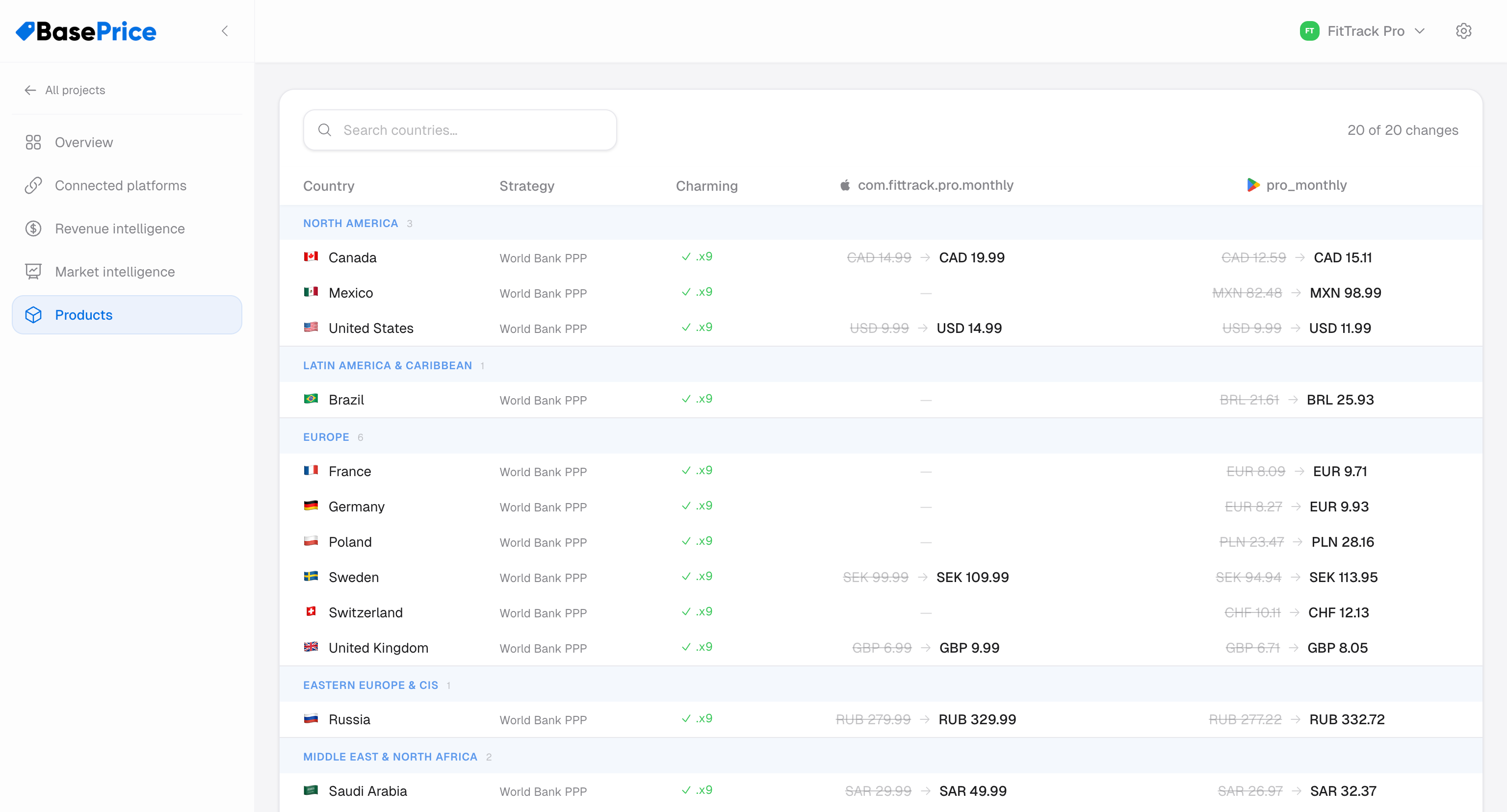
Before publishing, the publish panel shows a review table listing every store product that will be updated. Each row represents one platform + native product combination.
Row Information
Each row shows:
| Field | Description |
|---|---|
| Store product | Platform icon + native product ID (e.g., com.app.pro.monthly) |
| Platform | Apple App Store or Google Play |
| Status | Ready, Missing credentials, No mapping, etc. |
| Regions | Number of countries that will be updated |
Readiness Checks
A store product must pass all checks to be publishable:
Ready (Green)
All requirements met — credentials connected, platform mapping exists, prices calculated.
Missing Credentials
The platform doesn't have valid API credentials. Go to Platforms to add them.
No Platform Mapping
The product doesn't have a native product ID mapped for this platform. Go to the product's Platform Mappings to add one.
Selecting Products
You can selectively publish to specific store products. By default, all ready products are selected. Deselect any you want to skip.
This is useful when you want to:
- Publish to Apple only (deselect Google products)
- Update a single product without touching others
- Test pricing on one platform before rolling out to both
Scheduled Publishing (Apple Only)
For Apple products, you can optionally set a start date. This schedules the price change to take effect on a future date instead of immediately.
Google Play doesn't support scheduled price changes through the API. All Google publishes take effect immediately.