Create a Project
Set up your first BasePrice project to start managing localized prices for your App Store and Google Play in-app purchases and subscriptions.
Creating a New Project
A project in BasePrice represents a single app. It contains all your products, pricing configurations, platform credentials, and publish history.
Steps
- Sign in to BasePrice
- Click New Project on the dashboard
- Enter your app's name
- Click Create
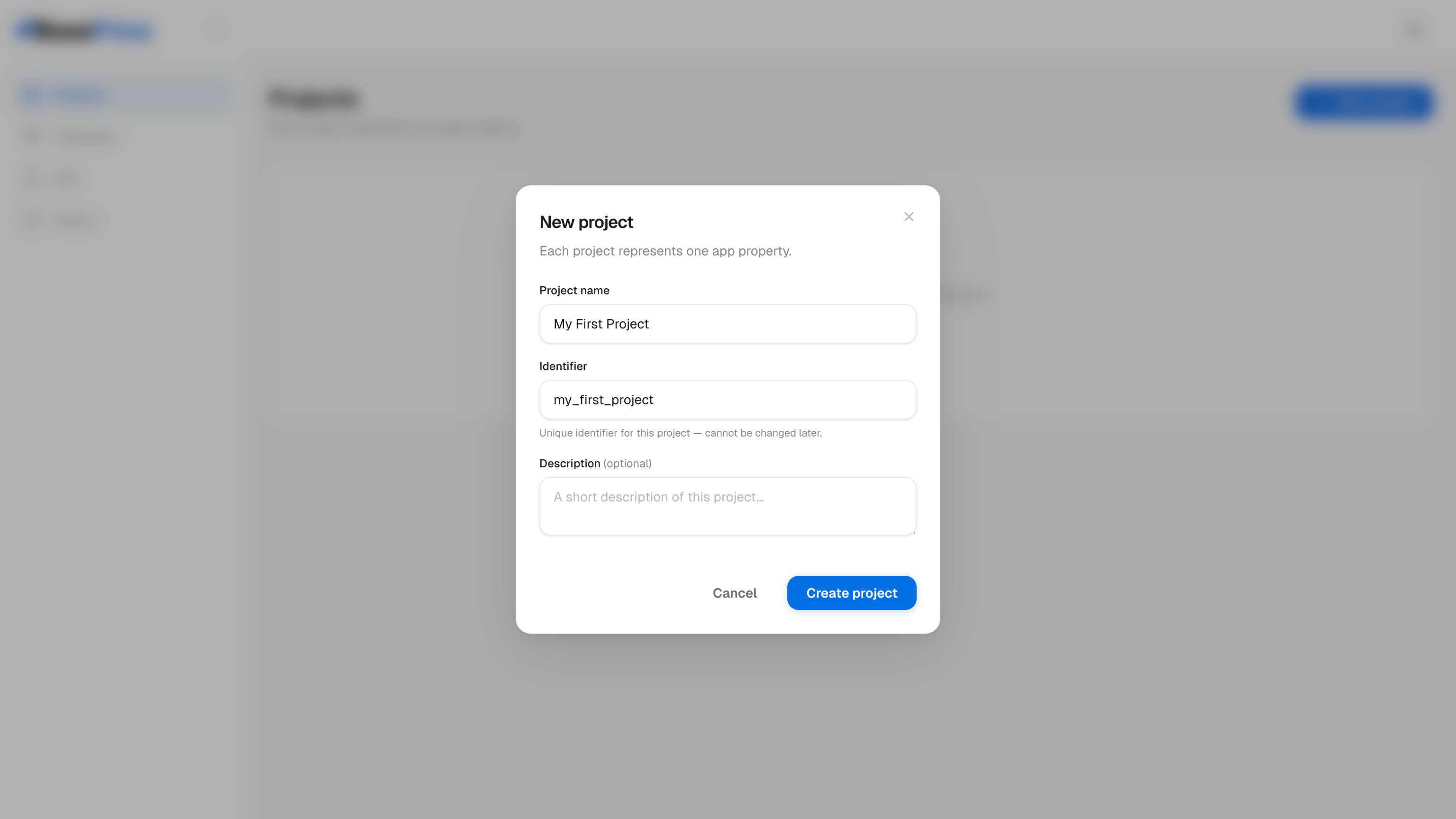
Your project starts in the Setup state. Once you've connected at least one store and added products, it transitions to Ready.
Project Lifecycle
| State | Description |
|---|---|
| Setup | Initial state — connect credentials and add products |
| Ready | Credentials connected, products configured |
| Live | Prices have been published at least once |
| Archived | Project is no longer active |