Custom Blend Strategy
Fine-tune your pricing by blending exchange rate conversion with World Bank PPP data. Set custom weights to balance affordability and revenue targets.
💡Growth+ tier required
The Custom Blend strategy is available on the Growth and Scale tiers.
How It Works
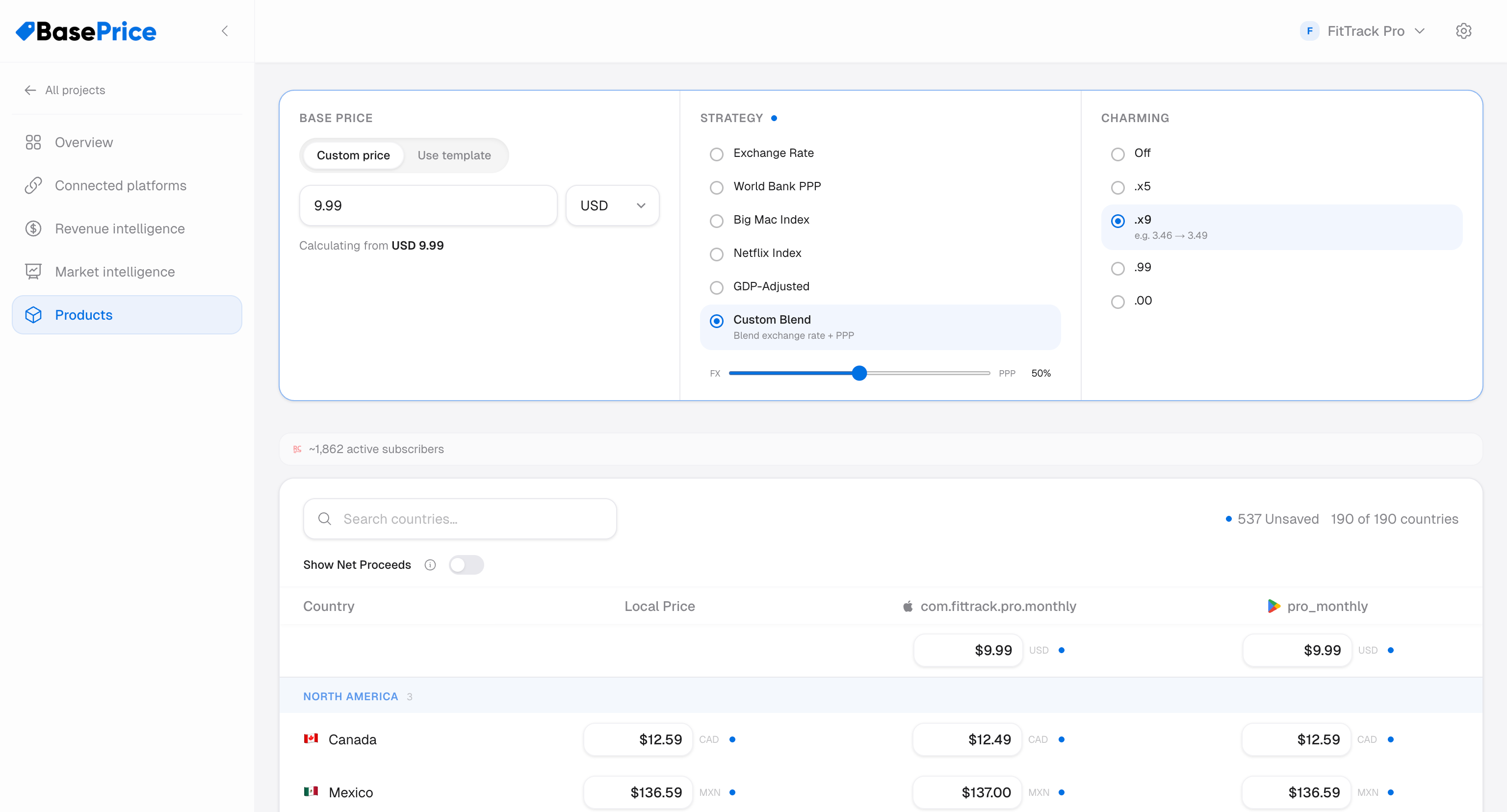
The Custom Blend strategy lets you control how much purchasing-power adjustment is applied. A slider controls the balance between pure exchange-rate conversion and full World Bank PPP adjustment.
- Drag the slider toward Exchange Rate for minimal localization
- Drag toward Full PPP for maximum purchasing-power adjustment
- The middle position provides a balanced blend
Example
With a base price of $4.99 USD and India (strong PPP discount):
| Blend Position | India Price (₹) | Description |
|---|---|---|
| Exchange Rate only | ₹416 | Full exchange rate price |
| Light PPP | ₹340 | Mostly FX, light adjustment |
| Balanced | ₹264 | Even blend |
| Heavy PPP | ₹188 | Strong purchasing-power adjustment |
| Full PPP | ₹112 | Full World Bank PPP |
When to Use
- Gradual localization — Start conservative and increase PPP weight as you gain data
- A/B testing — Compare revenue at different blend weights
- Per-product tuning — Premium products might use lower PPP weight, impulse purchases higher
- Data-driven teams — When you want precise control over the pricing model
Strategy
A common approach is to start with a 0.3–0.5 blend weight. This provides meaningful discounts in developing markets without going as far as full PPP. Monitor revenue per market and adjust.
Trade-offs
- Requires tuning — No "right" answer for the weight; depends on your market
- More complex — Harder to explain than single-model strategies
- Per-product setting — Weight is configurable per product, so different products can use different blends
Data Sources
Combines data from both:
- Live exchange rates — Reliable FX rate providers
- World Bank PPP — Official World Bank purchasing power data
Tier Requirement
Available on Growth and Scale tiers.