Quickstart
Get up and running with BasePrice in 5 minutes. Create a project, add a product, choose a pricing strategy, and publish your first localized prices.
This guide walks you through the core BasePrice workflow end-to-end. By the end, you'll have localized prices calculated for 190+ markets.
Prerequisites
- A BasePrice account (sign up free)
- At least one of:
- Apple App Store Connect credentials (.p8 API key)
- Google Play Console credentials (service account JSON)
You can explore BasePrice without connecting a store — just skip the credential step and manually create products. You'll need credentials when you're ready to publish.
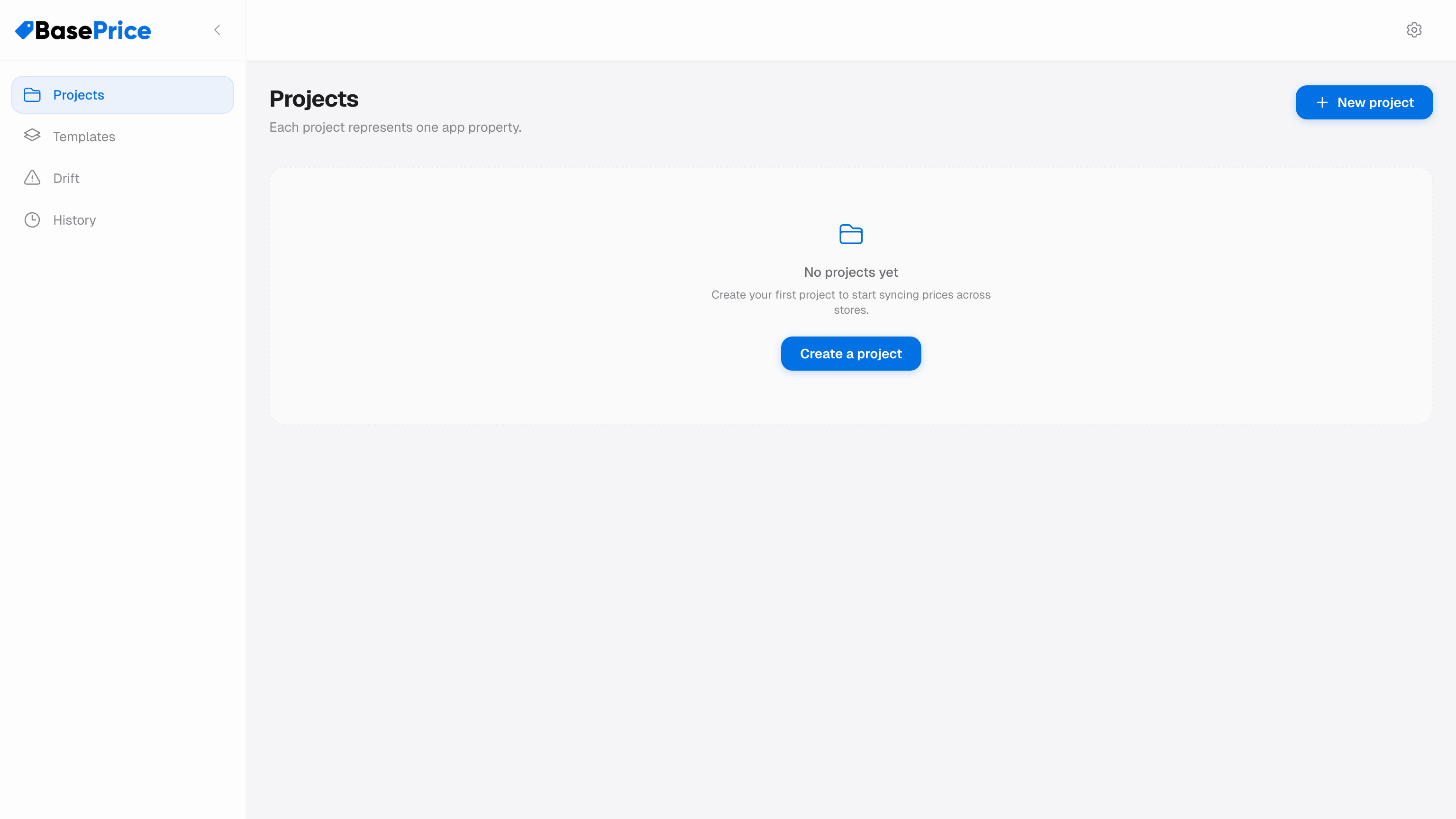
Create a Project
After signing in, click New Project from the dashboard. Give your project a name (usually your app name) and save.
A project represents a single app and contains all its products, pricing configurations, and publish history.
Connect Your Stores
Navigate to the Platforms section in your project and add your store credentials:
Apple App Store Connect
You'll need three pieces of information from App Store Connect:
- Issuer ID — Found in Users and Access → Integrations → App Store Connect API
- Key ID — The ID of your .p8 API key
- Private Key — The .p8 file contents
For detailed instructions, see Connect App Store.
Google Play Console
You'll need a service account JSON key file with the appropriate permissions.
For detailed instructions, see Connect Play Store.
Add Products
Go to the Products tab and either:
- Import from stores — Click "Import" to pull your existing IAPs and subscriptions from Apple/Google
- Create manually — Click "New Product" and fill in the details
Each product needs a name, type (consumable, non-consumable, or subscription), and platform mappings that link the Apple and Google product IDs together.
Configure Pricing
Select a product and open its pricing configuration:
- Set your base price in your home currency (e.g., $4.99 USD)
- Choose a pricing strategy (start with Exchange Rate if you're unsure)
- Optionally enable charming prices to round to .99 or .x9 endings
- Review the calculated prices in the pricing table
Publish
Click Publish to open the review panel:
- Review the price changes for each country
- Confirm you're ready to publish
- BasePrice pushes prices to Apple and/or Google
- Check the results — green for success, red for any failures
You've just published localized prices to 190+ markets. BasePrice will track these prices and alert you if anything changes externally.