Connect RevenueCat
Link your RevenueCat account to BasePrice to track MRR, subscribers, and churn by country. See the revenue impact of every pricing decision you make.
To track how pricing changes affect your revenue, BasePrice integrates with RevenueCat. Once connected, you'll see MRR, subscriber counts, and per-country revenue breakdowns directly in your project.
💡Growth+ tier required
Revenue Intelligence is available on the Growth and Scale tiers.
Setup
Create a Secret API Key
- In RevenueCat, open your project and go to Project Settings → API Keys (RevenueCat docs)
- Click + New key
- Under Key scope, choose Secret key
- Enable the following permissions:
- Charts → Overview: Read
- Project configuration → Projects: Read
- Project configuration → Apps: Read
- Project configuration → Products: Read
- Project configuration → Entitlements: Read
- Project configuration → Offerings: Read
- Project configuration → Packages: Read
- Click Generate and copy the key (starts with
sk_)
Copy Your Project ID
In RevenueCat, go to Project Settings → General. The Project ID is shown below the project name (e.g., projaa67543c).
Add to BasePrice
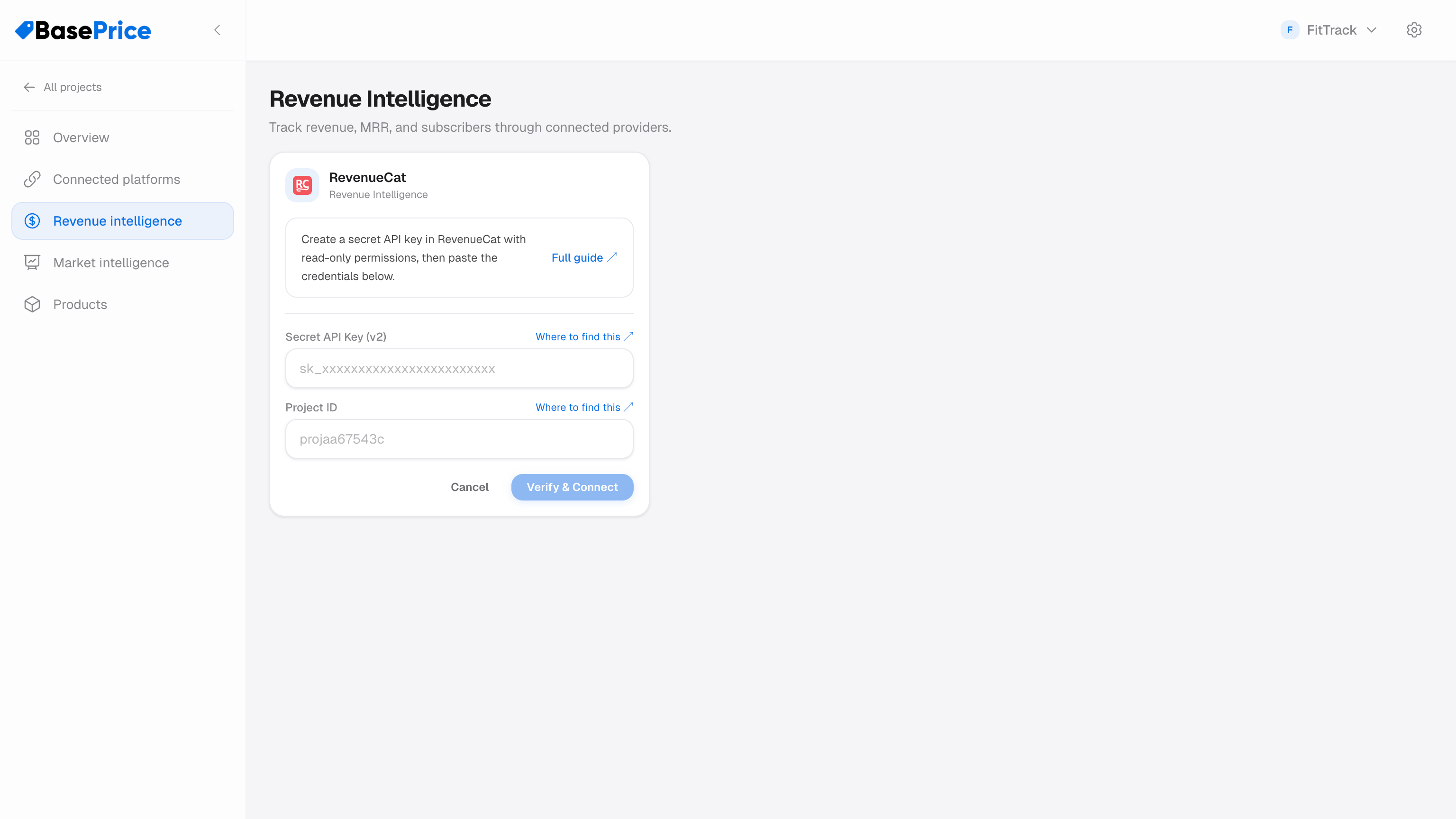
- In BasePrice, go to Revenue Intelligence
- Paste your Secret API Key (v2) and Project ID
- Click Verify & Connect
BasePrice will validate the key and automatically match your products to RevenueCat offerings and packages.
What You Get
Once connected, the Revenue Intelligence tab in your project shows:
- MRR (Monthly Recurring Revenue) — current value and trend
- Active subscribers — total count and growth
- Revenue by country — see which markets generate the most revenue
- Revenue snapshots — automatic snapshots taken at each publish, so you can track the impact of price changes